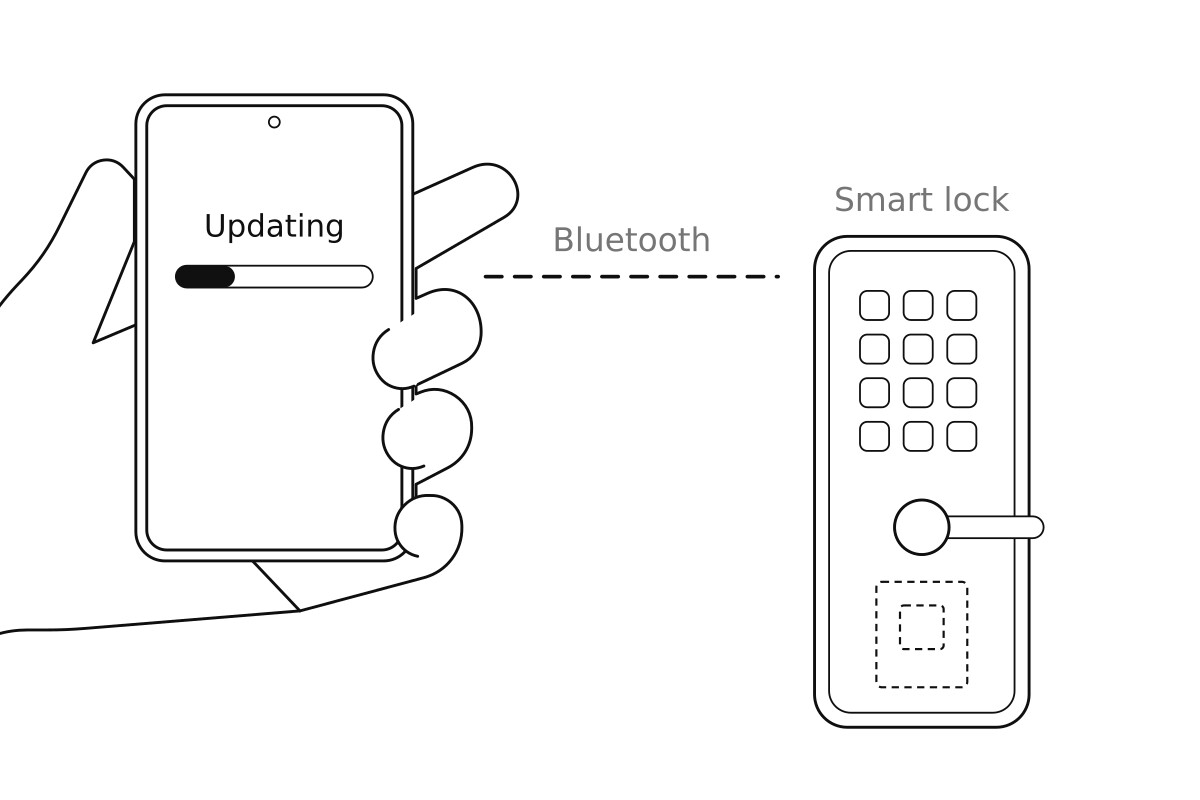
In a previous post, we explored Over-The-Air (OTA) updates with Matter over Thread for the Espressif ESP32-H2 chip.
To have something to compare the performance to, we used the stock Espressif Bluetooth OTA app. But it turned out to be slow: an update took more then 8 minutes. Not a good user experience if you are updating your smart home device from the phone in your hand.
So we asked our AI coding agents to find out why and to write a faster one. It took them 11.8 hours to implement and run on hardware.
The result: an update now takes 22 seconds.
But it didn't work.
Or: it did work in the lab, but it wouldn't work in the field. The agents had developed this in a perfect lab environment, without taking a messy wireless environment into consideration.
The agents were able to fix it, once they realized this. The moral of the story: your AI coding agents must have access both to hardware in the loop and to real-world conditions in the loop.
The Bluetooth baseline that was as slow as Thread
In our previous post, AI coding agents developed six ways to update the firmware of a Matter smart home device running on an ESP32-H2 chip, and measured each one on a Groundrun rig: an ESP32-H2 devboard, a second devboard acting as the Thread border router, and a phone, all connected to a runner that the agents drive through Groundrun's command-line tool. Five used Thread, the low-power mesh network Matter uses for battery-powered devices. The sixth used Bluetooth, from a phone running the Bluetooth update app from Espressif, the maker of the chip. We added this as a point of reference: the Bluetooth radio runs at 2 Mbit/second, against 0.25 Mbit/second for Thread.
The Bluetooth update took 8 minutes 4 seconds. Matter over Thread, at its stock settings, took 8 minutes 38 seconds. We had expected Bluetooth to be several times faster.
For a Bluetooth update, completion time matters. With Bluetooth, a person starts the update from their phone and holds the phone next to the device, with the app open, until the update is done. A person with their phone in hand won't want to wait eight minutes for an update to complete.
So we gave the agents the hardware rig and asked the agents two questions: why is the Bluetooth update this slow, and how fast can it go?
Why the Espressif app takes eight minutes
It turns out most of the time is spent waiting for replies: the Espressif app needs 27 round trips between the phone and the board for every 4 KB chunk of firmware.
The first suspect was the radio. The ESP32-H2 has a single radio that it shares between Thread and Bluetooth, and the board stays on its Thread network in parallel to the Bluetooth update. Maybe this parallel network was the culprit?
To test this, the agents built the stock Bluetooth update example from Espressif, with no Matter and no Thread, and ran the OTA app against this example firmware. With firmware, an update ran at a speed of 1.22 seconds for every 4 KB chunk of firmware. The same speed as with Thread enabled. So this wasn't the culprit.
The agents then read the app's source code. The update protocol sends the firmware in 4 KB chunks, which are confirmed by the board on reception. The app splits each chunk into packets of 463 bytes and sends one packet at a time, waiting for the board to confirm the previous packed before sending the next. But the board accepts Bluetooth messages of at most 256 bytes. So the phone's Bluetooth software splits each 463-byte packet into three steps, two parts and a final "write it" message, and waits for the board to confirm each step. In total 27 round trips for every 4 KB chunk.
How the faster app works
We then gave the agents one more constraint: try to speed this up, without changing the Espressif firmware code. So any speed-up had to come from changes to the phone app. These are the choices the agents made:
- Smaller packerts. Each packet should fit in a single radio packet of 251 bytes. The app puts 244 bytes of data in each packet, and with 7 bytes of headers that fills one radio packet exactly.
- The next chunk goes out before the last one is confirmed. From reading the firmware code, the agents found that it accepts the next chunk while the confirmation of the previous one is in the air. So the app can sends up to two chunks before waiting for the confirmation.
- Two ways of writing a packet. Bluetooth has confirmed writes, which the board firmware one by one, and unconfirmed writes, which are not acknowledged. The agents built both modes.
- The app lets the board restart before it sends "done". The agents found in the code on the board that when chunks arrive fast, the "end" message sent after the last chunk can stop the board before the last chunk is in its flash memory. The board restarts by itself once it has the whole image, so the new app waits up to 5 seconds for that restart, and sends the end message only if the restart doesn't happen.
- Rewrote the firmware logic in Kotlin. The agents rewrote the firmare OTA logic (the packet reception code and the update loop) in Kotlin, and so that they could quickly run test cases before touching hardware.
This is what one 4 KB chunk looks like with each app:
How long it took for the agents to do their work
From the first commit to last commit, the agents worked for 11.8 hours. The work was split into six jobs, each run by a separate agent:
The jobs add up to 10.0 hours. The remaining 1.8 hours are the time between jobs, mostly waiting for automated test runs for intermediate pull requests.
Before any code was written, two review agents read the plan, one checking its facts and one its design. They found five problems that had to be fixed before the plan could run.
The measurement task was the longest, 4.1 hours. The twelve measurement runs took 57 minutes on the rig, counting the two that failed during setup and their reruns, and setting up the board on the Matter network before each update.
To check the size of the radio packets, the agents enabled the phone's Bluetooth log in its developer settings by driving the phone's screen through the rig, then reading the packet sizes from the log.
Results: how fast is the new update?
Both modes of the new app are faster than the Espressif app. The confirmed mode takes 5 minutes 23 seconds for the 1.6 MB image, and the unconfirmed mode takes 22 seconds.
| App | Transfer, median | Range | Speed, median |
|---|---|---|---|
| Espressif app | 8 min 4 s | 482 to 487 s | 3.4 KB/s |
| Our app, confirmed writes | 5 min 23 s | 322 to 323 s | 5.1 KB/s |
| Our app, unconfirmed writes | 22 s | 20 to 36 s | 75 KB/s |
Does it work?
Each of the ten experimental runs ended with a successfull OTA update. So it seems like everything worked.
But all these runs were done in perfect conditions: from looking at the logs, not a single run had to resend a packet. Which means that the code probably would not work when deployed in the real world, where wireless links tend to be lossy and packet losses need to be resent.
We found this at the final gate: when we introduced packet losses at the Bluetooth level to see that the system still worked. With packet losses, the new transfer mechanism no longer worked.
So the agents had to do another iteration
A fixed version
The fixed version now handles lost packets by resending them, resulting in a working OTA update even with packet loss. With packet losses, the update is progressively slower though, as should be expected.
To get there, the agents had to fix two problems.
The first problem was fatal: a single lost packet stopped the whole update. When a packet went missing, the board rejects the remaining packets, and the app didn't try to resend them, but just gave up. So the agents added a retransmission mechanism.
With that fix, the updates ran to the end, but the second problem showed up. In four of the five runs with lost packets, the OTA didn't work: the board kept running the old firmware. The downloaded OTA image was a few packets short. This turned out to be because of a quirk in the Espressif firmware, which confirms a saved a chunk even when the last packet of the chunk is missing. The app reported a successful update depite the board having a broken image, which it correctly would not boot from.
The agents ended up making three changes:
- Two empty packets after every chunk. After the last packet of a chunk, the app sends two packets with no firmware data in them. If the last real packet is lost, the board receives an empty packet in its place, the packet numbers don't match, and the board rejects the chunk. The app then resends it.
- The update is done when the board restarts. Once the board has the whole image, it restarts into the new firmware, which drops the Bluetooth connection. The app reports a finished update only if this happens within 10 seconds of the last chunk being confirmed.
- More retries. The app now gives up on a chunk after ten failed attempts in a row, up from three, so it keeps going when many packets are lost.
And now the faster update survives even a messy wireless environment.
Conclusions
The Bluetooth update in our previous post was as slow as Thread because of how the phone app sends its packets. With the firmware on the board unchanged, the new app brings the 1.6 MB update down from 8 minutes 4 seconds to 5 minutes 23 seconds with confirmed writes, and to 22 seconds with unconfirmed writes.
But this fastest version only worked in the lab.
When put to the test of a lossy environment, the updated version failed. So the agents had to do a second iteration, and were able to produce a working version even in a lossy environment.
This kind of situation is not new: it has always been like this, even before AI coding agents existed. "It works on my machine" has been a meme since forever.
We need to test our systems in the real world, or as close to real-world conditions as we can make it.
To get close to real-world conditions, we need both hardware in the loop and a set of hardened tests that mimic real-world scenarios. With this, our agents can fix the system before our product hits the field.
Groundrun helps connected product teams trust their AI coding agents by validating their code on hardware and in real-world conditions: Groundrun platform overview.